
Information Sessions
Do You Need to Know More about Microsoft Apps?
Discover the power of Microsoft programs with our tailored Information Sessions for Microsoft 365, Teams, OneNote and Copilot.
If navigating Microsoft Teams, SharePoint, OneNote, OneDrive and Copilot feels like uncharted territory within your organization, our sessions are designed to illuminate your path.
Microsoft Teams
Let us show you what Microsoft Teams is capable of…
What you'll discover in this information session for Microsoft Teams, is the following:
- Why a centralized location for chats and filing makes everyone happier.
- How to save 6 productive hours per staff/week. (And 11, 000 annually!)
- Which feature helps EVERY person know and complete their task.
- How to do/write/say key details ONE time and still have everyone on board.
- A solution to critical sticky notes that fall off the desk and are trampled underfoot.
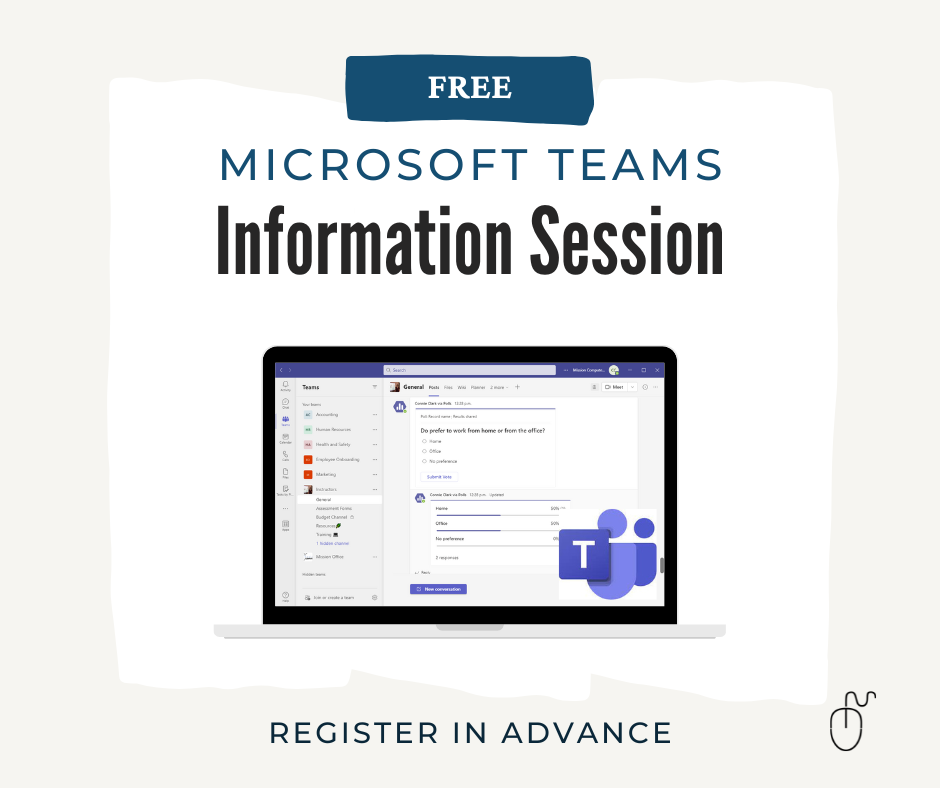
Next info session on Teams is March 6 from 12:00 PM - 1:00 PM MST (Edmonton, Canada)
Microsoft OneNote
Is OneNote for more than just notes? Yes!
Is it better than the notes app on your phone, or the paper notebook on your desk? Yes!
Used correctly it can boost productivity by at least 2x! Let me show YOU what Microsoft OneNote is capable of.
In this Information Session you’ll discover...
-
How you can be more organized that you thought possible, with the help of OneNote.
-
Why an accessible note system will improve your memory and your productivity.
-
How to save countless hours with all the OneNote short-cuts.
-
A real-time collaboration answer that will save everyone time (and effort).
-
Why using OneNote personally is as important as using it for work.
-
Why saving a tree (or entire forest) is possible with OneNote.
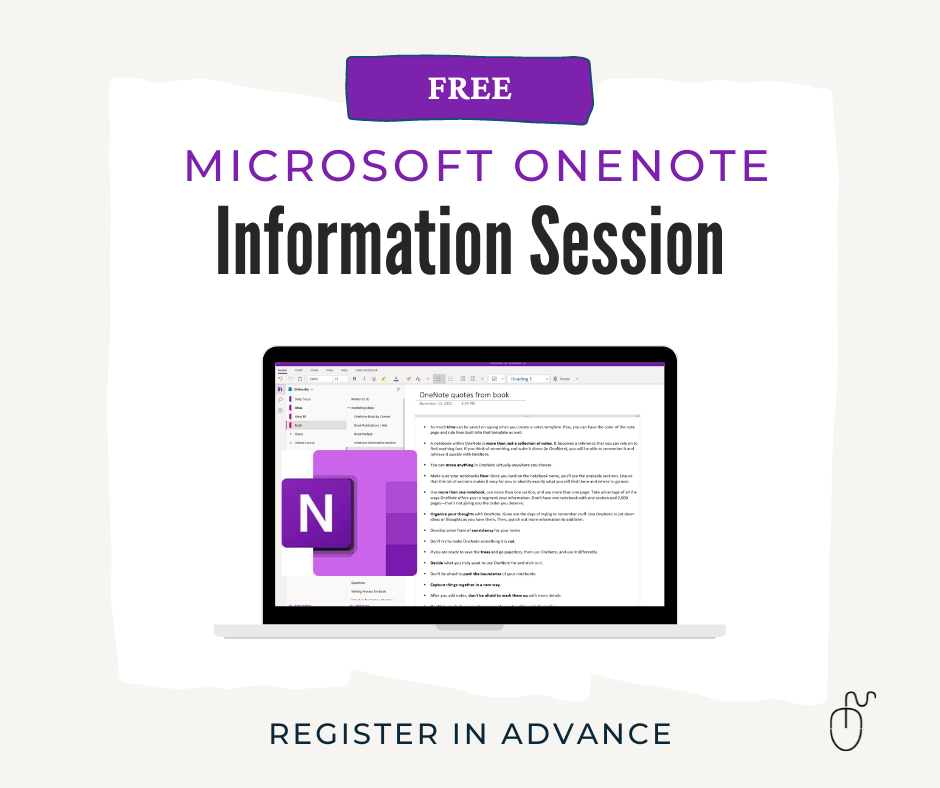
Next info session on OneNote is February 20 from 12:00 PM - 1:00 PM MST (Edmonton, Canada)
Microsoft 365 Apps
If your organization has adopted Microsoft 365 or Microsoft Teams and SharePoint, and you still feel like you are in the dark, then this Information Session for Microsoft Teams, Microsoft OneNote and Microsoft 365 are the sessions you need to attend.
Equip yourself with an understanding of how these Microsoft 365 apps like Teams, SharePoint, OneNote, and OneDrive can help you do your work better.
Learn how to work with the Microsoft 365 apps so that they improve your organization's overall efficiencies.
Next info session on MS 365 Apps to be determined
Microsoft Copilot
Is Copilot more than just a buzzword? Yes!
Is it more helpful than a random AI chatbot on the web? Yes!
Used wisely, it can transform how you work in Microsoft 365, fast.
In this Information Session you’ll discover...
- Why understanding what Copilot is (and isn’t) saves time, money, and frustration.
- How to quickly decide whether the free Copilot experience is enough for you.
- When the paid Microsoft 365 Copilot makes a real difference in daily work.
- A simple way to match the right Copilot option to how you use Outlook, Teams, Word, Excel, and more.
- How to stop feeling “behind” on AI and start feeling confident about your next Copilot step.
Next info session on Copilot is February 13 from 12:00 PM - 12:30 PM MST (Edmonton, Canada)