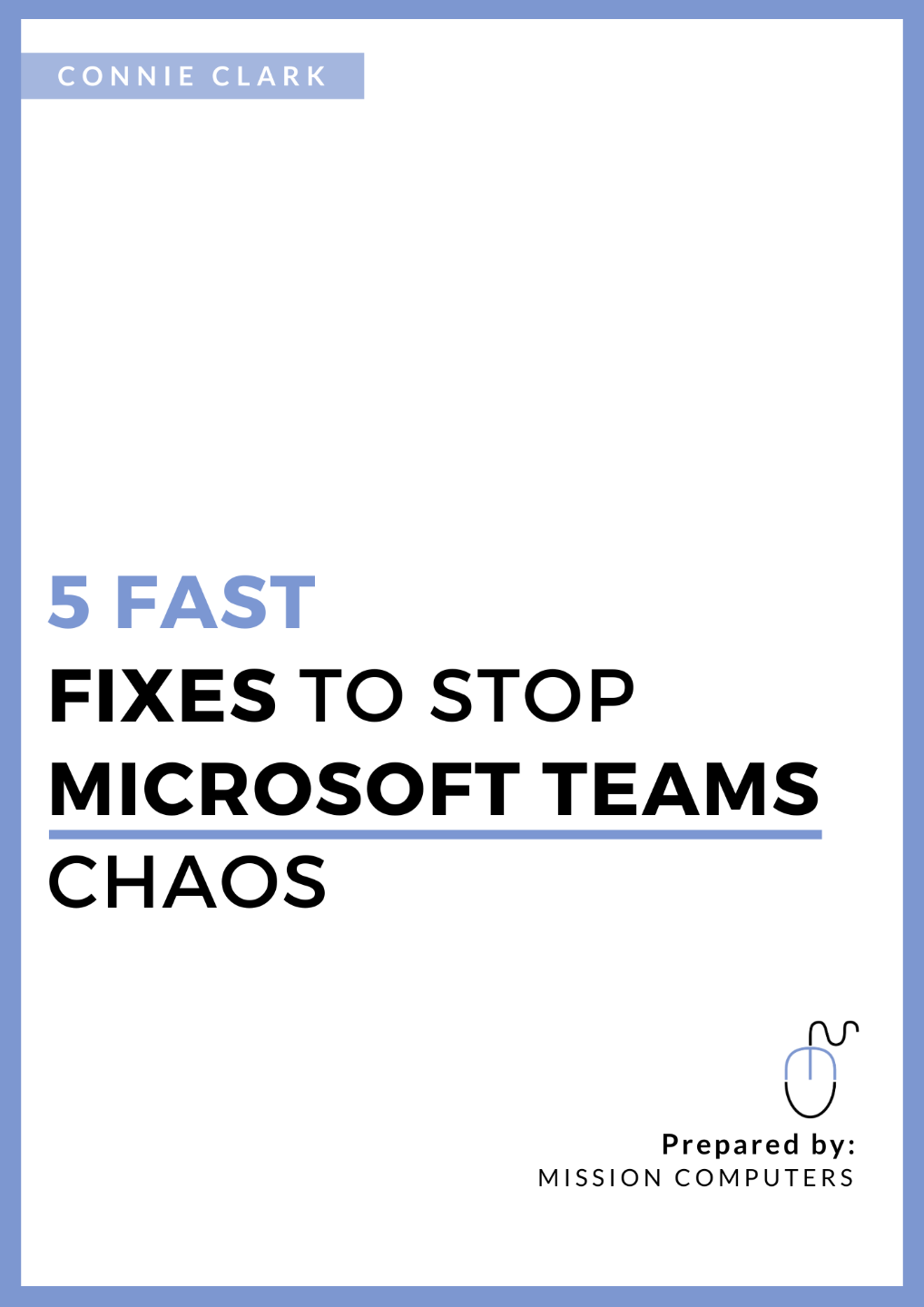
5 Fast Fixes to Stop Microsoft Teams Chaos
Implement all 5 in the next 24 hours.
This free PDF shows you exactly how to organize Microsoft Teams so your team can find files in seconds, stop the back-and-forth emails, and run meetings that actually move work forward.
From Connie Clark, 30-year Microsoft trainer | 25,000+ students trained | Amazon bestselling author.
Send Me the Free PDF
Enter your email below. I'll send it straight to your inbox.
No spam. Unsubscribe anytime. Your information stays private.
Shawna M.
"Connie knows the programs in great detail and if effective in her instruction. She is clear and precise, and the flow of the class is smooth and logical. I would sign up for training with Connie as she goes above and beyond the basic level of training and customer service."
This is for you if…

Your team is using Microsoft Teams but still asking “Can you resend that file?” at least once a day.

Conversations are scattered across email, Chats, and Channels, and nobody’s sure where to look.

Meetings keep covering the same ground because decisions, notes, and follow-ups are impossible to find afterward.
If any of that sounds familiar, your Teams environment isn't broken, it's just not set up right. This guide shows you exactly what to fix, and you can do it all before tomorrow morning.
Inside the 5 Fast Fixes PDF, you’ll discover how to:
- Give every project or department one clear home so your team always knows where to put things and where to find them.
- Set up Channels and Posts so updates, questions, and decisions land in the right place instead of getting buried or missed.
- Use the Files area the right way so documents are organized, easy to find, and never accidentally lost or duplicated.
- Clean up Chats and notifications so your team stays informed without the constant overwhelm of pinging and interruptions.
- Set up your meetings in Teams so agendas, notes, and follow-up actions all live in one spot, no more hunting through email chains (or Chats) after the call.
You can read the guide in under 10 minutes. Most people implement all 5 fixes the same day they download it.
Why learn this from me?
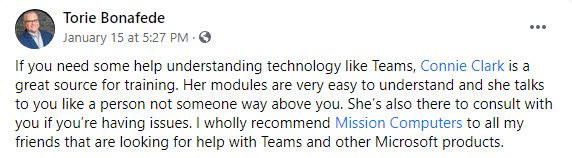
I’m Connie Clark, owner of Mission Computers Inc. and author of Work Smarter with Microsoft OneNote.
Over the past 30 years I've helped more than 25,000 people, from small business owners to large corporate teams, actually use the technology they're already paying for. Microsoft Teams is the tool I get asked about most, and the frustration I hear most often is the same: "We rolled it out, but nobody really uses it the right way."
This PDF is a distilled version of the first quick wins I walk through inside my full Teams Success Blueprint course. It's designed so you can see real, immediate improvements, before you invest in training your whole organization.
If these 5 fixes make a difference for you, the course goes much deeper.